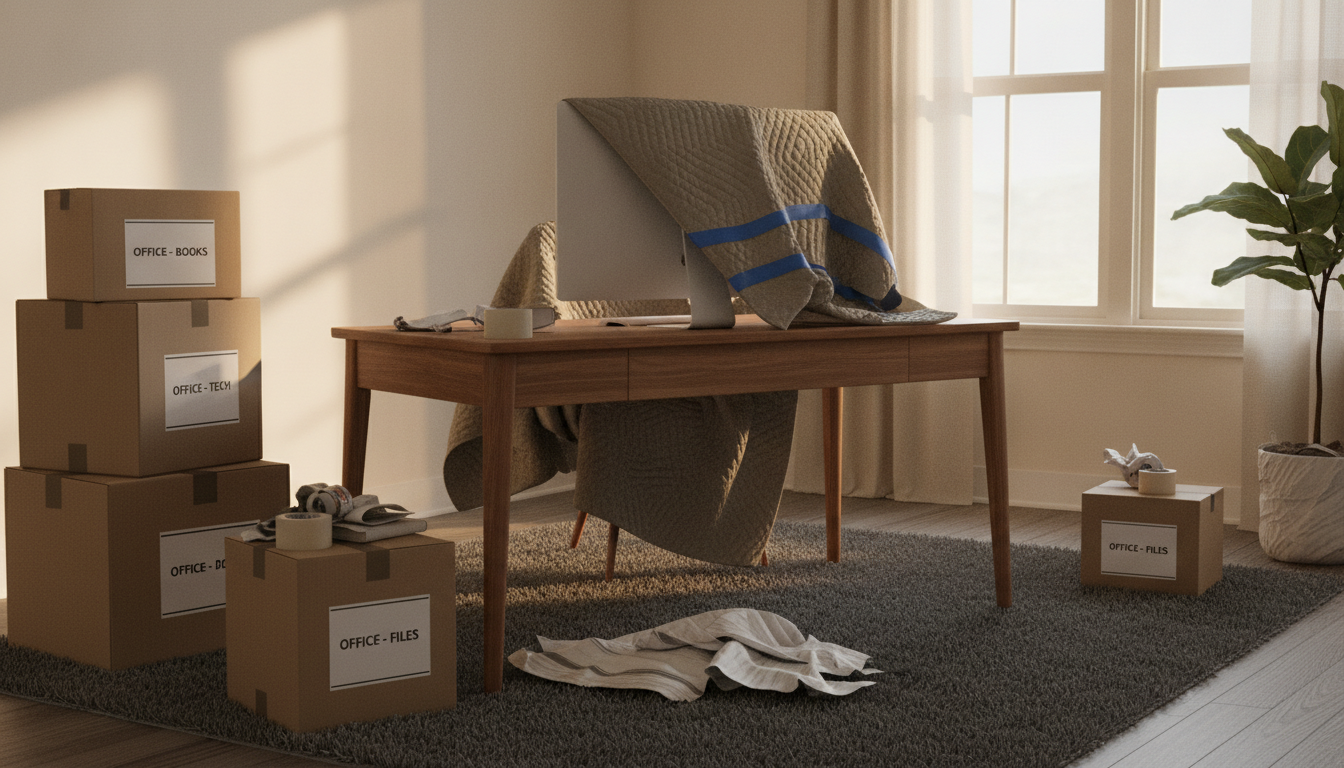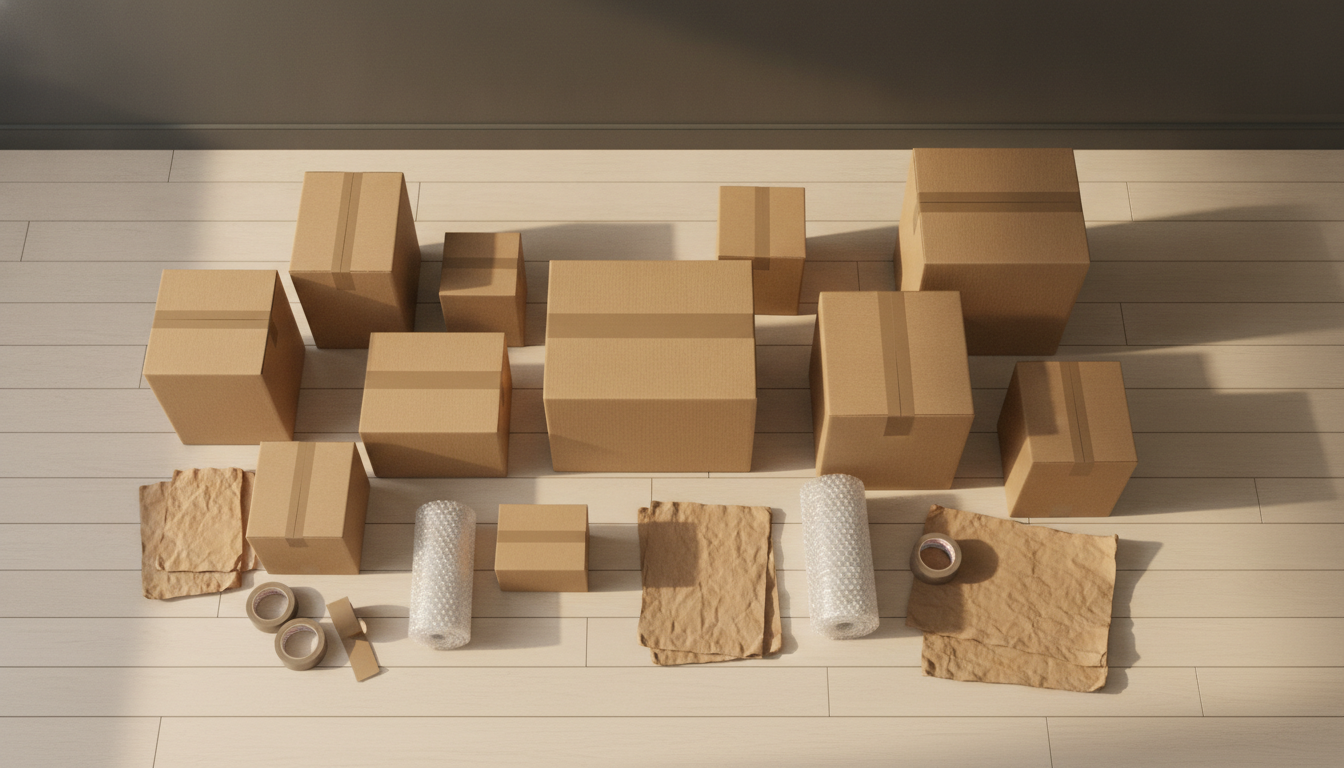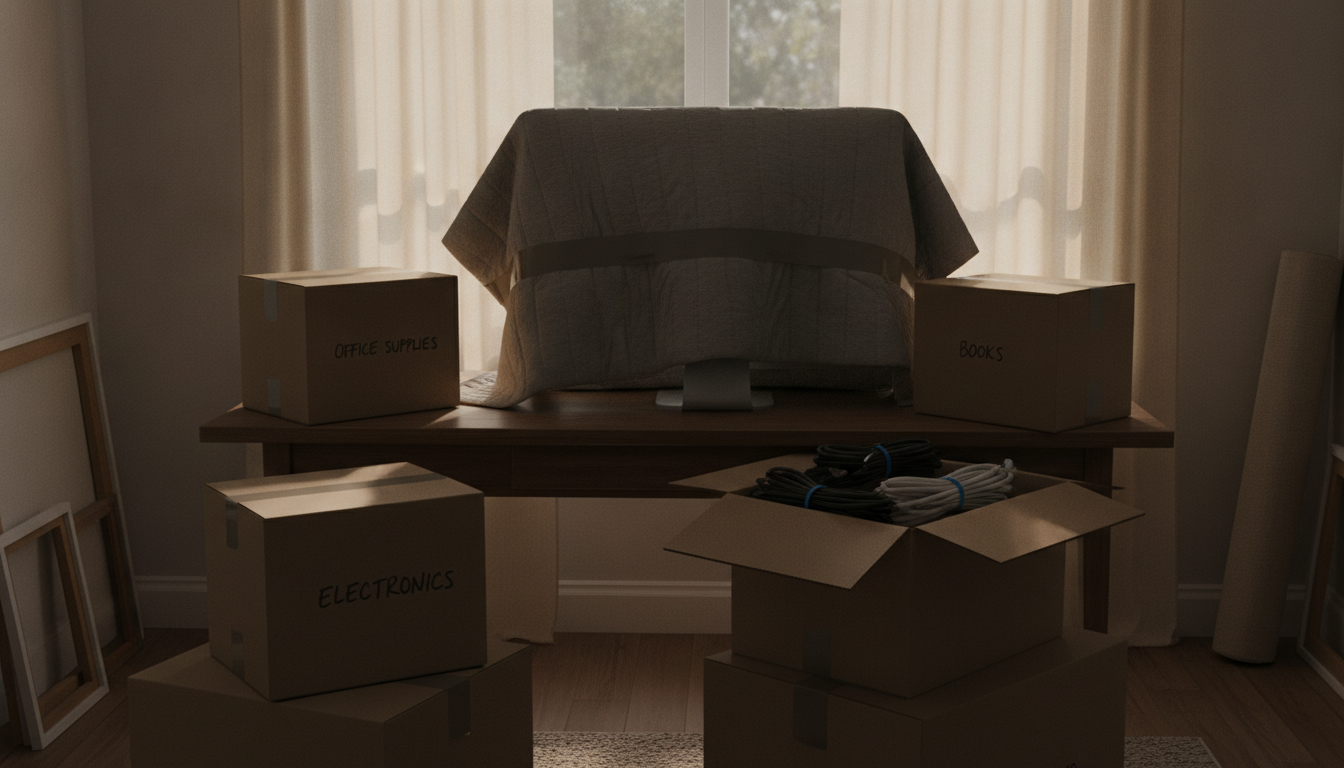
The home office is the room that causes the most anxiety on moving day — and the most regret when something gets skipped. Pack it wrong and you're looking at a scratched monitor, a missing power brick, or a corrupted hard drive from a box that shifted in the truck. Pack it right — which means intentionally, with the right materials, in the right order — and you'll be back up and running within an hour of arriving at your new place.
Why the home office is the hardest room to move
Every other room has forgiving items: clothes compress, books stack neatly, kitchen gear is mostly indestructible. A home office is full of items that are expensive, irreplaceable, or both — and most of them have a cable that goes to something else. We've packed thousands of home offices over 35 years, and the biggest mistake we see is people treating this room the same as a bedroom: grab a box, throw stuff in, tape it up.
Don't do that.
Before you pull a single box from the stack, read our complete moving-day checklist so you know exactly where the home office fits into your overall day.
Step 1: Back up your data before you touch a single cable
This is not negotiable. Hard drives and SSDs can survive a well-packed box in a professional truck — but they can also fail from a single hard bump if they're loose in a bag. Before you pack:
- Back up everything to an external drive AND a cloud service (two independent backups).
- Remove external drives from any docked workstations and pack them in your personal bag, not the moving truck.
- Photograph your desktop and file organization so you know exactly what was open and where when you get to the other end.
Data loss is permanent. A scratched monitor can be replaced for a few hundred dollars. Your files cannot.
Step 2: Photograph every cable setup before you unplug anything
Stand behind your desk. Take a slow, wide photo of the full cable situation. Then crouch down and photograph every cable running into the back of your computer, monitor, and docking station — one close-up per port cluster.
This saves you the 45 minutes of frustrated Googling at the other end. We've seen clients spend half a day trying to reassemble a standing desk setup that a single photo would have solved in five minutes.
Step 3: Sort and label every cable before it goes into a box
Cables are the most disorganizing element in any office move. Here's the system we use:
- Unplug every cable from every device.
- Coil each cable loosely (never wrap tightly around a transformer — it damages the wire).
- Label each cable with a piece of masking tape and a marker: "Monitor 1 - power", "Router - ethernet", etc.
- Bundle related cables together with a zip tie or rubber band.
- Place all cables for a specific device into a labeled zip-lock bag.
- Put all the bags into one clearly labeled box: "OFFICE CABLES — OPEN FIRST."
If you're a visual organizer, check out our guide on how to label moving boxes for a system that works across every room, not just the office.
Step 4: Pack electronics in the right order, with the right materials
Computers (desktop towers)
- Shut down completely; do not just sleep the machine.
- If you kept the original box, use it — it's the best fit possible.
- If not: wrap the tower in two layers of bubble wrap, secure with tape, and pack it upright (not on its side) in a box with 2–3 inches of packing peanuts or crumpled paper on all sides.
- Never pack a tower on its back or upside down if it has an optical drive or a spinning hard drive (older machines).
Monitors
- Screens are the most commonly damaged item in an office move, full stop.
- Original box: use it.
- No original box: wrap the screen face with a layer of foam, then bubble wrap. Place it standing upright in the box — never flat. A monitor screen laid flat in a box can crack under the weight of items stacked above it, even when the box says "do not stack."
- Mark the box "FRAGILE — SCREEN — THIS SIDE UP" on all four sides and the top.
Laptops
- Pack your laptop in your personal carry bag, not in the moving truck. This is the one rule with no exceptions.
- If you must put it in the truck, wrap it in a sleeve, place it in bubble wrap, and mark the box fragile with a "screen side up" indicator.
Printers and scanners
- Remove ink cartridges and seal them in a zip-lock bag (they leak under pressure changes and temperature swings).
- Lock the scanner arm if your scanner has a travel lock — check the manual.
- Wrap in moving blankets or bubble wrap and box individually.
External hard drives and USB hubs
- These go in your personal bag or a small carry box that rides in the car with you.
Step 5: Pack desk contents systematically
| Zone | What's there | How to pack it |
|---|---|---|
| Top drawer | Pens, paper clips, small tools | Small box or zip-lock, label "desk — top drawer" |
| File drawers | Hanging files, documents | Keep in the drawer if the desk is being moved as a piece; otherwise transfer to a file box upright |
| Shelves | Books, binders, decor | Books flat or spine-up in small boxes (heavy books = small boxes only) |
| Desktop items | Lamps, speakers, desk organizers | Wrap each individually; lamp shades separate from bases |
| Sensitive documents | Tax records, contracts, IDs | Carry these with you in a lockbox or document bag — never in the truck |
If you're not sure what to keep versus donate before the move, our guide on how to declutter before a move walks through a room-by-room triage process that applies directly to office gear.
While you're reading
Skip the research — let Robert match you with movers.
Get quotes from professional movers in your area, free.
Step 6: Handle the furniture last
Standing desks, L-shaped desks, and large bookshelves are the last things to break down and the first things to reassemble at the other end.
- L-shaped desks almost always need to be partially disassembled. Remove the connecting bracket and bag all screws in a labeled zip-lock taped directly to the desk surface.
- Standing desk frames often have motors and wiring — photograph the underside before disassembly.
- Bookshelves: remove shelves and pack them flat; they crack if left in and the unit shifts during transport.
- Ergonomic chairs: fully assembled is fine; just wrap the arm rests with moving blankets so they don't gouge other items.
For heavy or oversized pieces, your movers should handle the lifting — make sure you've already discussed what's staying, what's going, and any tricky hallways or doorways. If you're wondering what a professional mover costs for a local job, see our breakdown of how movers charge by the hour.
Step 7: Set up the office first at your new place
The home office should be the first room you set up — not the last. If you work from home, you need it functional by end of day. Tell your movers this at the start of the job so the office boxes end up in the right room and not buried under bedroom furniture.
Sequence at the new place:
- Place and level the desk.
- Set up the computer and monitor before touching cables (so you have a stable surface).
- Use your cable photos to reconnect everything in order.
- Power on and verify everything works before unpacking anything else.
You can find movers in your area who are experienced with electronics and home office setups — it's worth asking specifically about that during the booking call.
What to tell your movers about the office
Don't assume your crew knows what's fragile. Before they touch the office:
- Point out any loose or improperly boxed items.
- Confirm that monitor boxes are carried upright.
- Ask that the office boxes be loaded last (so they unload first at the destination).
- Tell them if there's a desktop tower that cannot be laid on its side.
If you want to know what questions to ask before the crew even shows up, our post on 10 questions to ask before hiring a moving company has a section specifically on specialty items and electronics.
Frequently asked questions
Can I leave items in my desk drawers during a move?
In most cases, yes — for lightweight items like pens, notepads, and small accessories. Remove anything heavy (like a stapler or tool kit) and anything that can shift and damage the drawer face. If the desk is going on a truck, lock the drawers or tape them shut with painter's tape to prevent them from sliding open during transport.
Do professional movers know how to handle monitors and computers?
Experienced movers are comfortable moving electronics, but they're not IT specialists. They'll carry your monitor carefully and load it upright — but they won't know which cables go where. That's your job. Pack and label cables yourself before the movers arrive; don't leave a tangle of cords for someone else to sort out.
Should I pack my computer in the moving truck or take it in my car?
Laptops should always ride with you. Desktops can go in the truck if they're properly packed in a box with adequate padding — original packaging is ideal. If you have irreplaceable data on a desktop and no recent backup, take the whole tower in your car. The rule of thumb: anything irreplaceable rides with you.
How do I prevent my monitor from cracking during a move?
Pack it upright in its original box if possible. If not, wrap the screen face in foam or a moving blanket, then bubble wrap, and stand it vertically inside a box. Never lay a monitor flat in a box where other items will be stacked on top — the screen panel is the most vulnerable point. Mark the box "FRAGILE — THIS SIDE UP" and tell your movers verbally.
How far in advance should I start packing the home office?
Start packing the non-essential parts of your office — bookshelves, extra supplies, reference files — two to three weeks before the move. Pack your active workstation last, ideally the night before or morning of moving day, so you're not disrupting your work routine. Give yourself at least two hours to do it carefully.
What's the best way to move a standing desk with a motorized frame?
Lower the desk to its lowest position before moving. Photograph the cable management setup underneath. Remove the desktop surface from the frame if possible (most frames allow this), and move the two pieces separately. Bundle and label any motor cables taped to the frame. Motorized frames are heavy — two people minimum, no dragging on hardwood floors.
Whether you're moving a full executive setup or just a laptop and a few shelves, the home office rewards the movers who plan ahead. Browse movers by state to find a crew with electronics experience near you, or let our AI agent Robert help you figure out exactly what you need for your specific move — he's on the site whenever you're ready.
Tagged